
Best AI Video Generator 2026: Top 10 Tools Tested and Ranked
Category: comparison
Quick Answer: The best AI video generation tools in 2025 combine quality output, ease of use, and affordability — Seedance leads this list with its state-of-the-art models, intuitive workflow, and exceptional results for creators of all skill levels.
AI video generation has crossed a threshold in 2026: the output from top tools is now good enough to use in professional productions, marketing campaigns, and social media at scale. The challenge isn't whether AI video is viable anymore — it's which tool is right for your specific use case.
We've tested 10 of the most popular AI video generators over the past several months, evaluating them on video quality, speed, pricing, ease of use, and real-world performance. Here's our definitive ranking for 2026.
Ready to create your own AI video?
Free credits on signup. Plans from $20/month.
Quick picks:
- 🥇 Best overall: Seedance.tv (best value + model variety + ease of use)
- 🎬 Best quality: Veo 3 (Google DeepMind)
- 🎛️ Best for professionals: Runway Gen 4
- 📱 Best for TikTok/Reels: Pika 2.0
- 💸 Best free tier: Runway Gen 4 (125 credits/month) or Pika (150 credits/month)
How We Evaluated These Tools
Our testing criteria for 2026:
- Video quality (1-10): Realism, detail, motion smoothness, prompt adherence
- Speed: Average generation time for a 5-second 1080p clip
- Pricing value: Credits-per-dollar or monthly cost for typical usage
- Ease of use: Time from signup to first good result
- Feature depth: Advanced controls, aspect ratios, editing tools
- Reliability: Uptime, consistent quality, no random failures
We generated over 200 test videos across diverse prompts including product shots, nature scenes, human subjects, abstract art, and cinematic sequences.
Top 10 AI Video Generators in 2026: Ranked
🥇 1. Seedance.tv — Best Overall
Overall score: 9.1/10
Seedance.tv earns the top spot in 2026 because it does something none of the single-model competitors can: it gives you access to multiple state-of-the-art models (Seedance 2.0, Veo 3, Kling) through a single unified interface.
Instead of choosing between the best models, you choose the right model for each specific task — Veo 3 for cinematic quality, Kling for photorealistic humans, Seedance 2.0 for creative/stylized content.
Strengths:
- Multi-model access (Seedance 2.0, Veo 3, Kling, and more)
- No-signup-required trial (try before you register)
- Text-to-video and image-to-video in one platform
- Most competitive pricing: from $9.90/month
- Clean, beginner-friendly interface with powerful advanced controls
- No watermarks even on free tier
Weaknesses:
- Individual models still lag slightly behind single-model specialists on their best outputs
- Fewer advanced editing tools than Runway Gen 4
Pricing:
- Free tier: Daily credits (no watermark, no forced signup)
- Basic: $9.90/month
- Pro: $29.90/month
Best for: Content creators, marketers, social media managers, entrepreneurs who want the best value across all use cases.
🎬 2. Veo 3 (Google DeepMind) — Best Raw Quality
Overall score: 8.9/10
Google's Veo 3 generates the most photorealistic video available in 2026 — period. Its 4K output at 60fps with native audio synthesis puts it in a class above every other model when judged purely on visual quality.
The limitations are real: 60-second max clips sound impressive but the access model is complex (waitlist, API pricing, or third-party platforms), and you can't easily edit or string scenes together.
Strengths:
- Unmatched photorealistic quality at 4K/60fps
- Up to 60 seconds per generation
- Native audio generation (background, ambient, basic dialogue)
- Available via Seedance.tv without waitlist
Weaknesses:
- Direct API access requires developer setup
- No built-in editing tools
- Variable queue times during peak hours
- Complex pricing if you go direct
Pricing:
- Free via Google VideoFX (waitlist)
- Via Seedance.tv: Included in plans from $9.90/month
- Direct API: ~$0.35-0.60/second of video
Best for: Filmmakers, brand video producers, anyone prioritizing visual quality above all.
🎛️ 3. Runway Gen 4 — Best for Professionals
Overall score: 8.7/10
Runway Gen 4 is the production studio of AI video tools. Where other platforms are generation-first, Runway is workflow-first — it builds AI generation into a complete production ecosystem with Motion Brush 3.0, Act-One performance capture, multi-scene continuity, and Adobe/FCP integration.
For professionals who need consistent, controllable, editable video output, Runway Gen 4 is unmatched.
Strengths:
- Most advanced editing controls (Motion Brush, Act-One, multi-scene)
- Adobe Premiere and Final Cut Pro integration
- 125 free credits/month (generous free tier)
- Multi-scene continuity across sequences
- Style transfer and cinematic looks
Weaknesses:
- Clips limited to 16 seconds (no long-form)
- More expensive at scale ($35-95/month for heavy users)
- Steeper learning curve
Pricing:
- Free: 125 credits/month
- Standard: $15/month (625 credits)
- Pro: $35/month (2,250 credits + 4K)
- Unlimited: $95/month
Best for: Video production agencies, YouTubers, editors who work in professional NLEs.
⚡ 4. Kling AI — Best Realism for Human Subjects
Overall score: 8.5/10
Kling (by Kuaishou) continues to be the top choice for photorealistic human subjects in 2026. Its face and body rendering outperforms most other models, making it the go-to for brand videos, testimonials, or any content featuring people.
Kling 2.0 (launched early 2026) added significant improvements to hand rendering — historically the weakest point in AI video.
Strengths:
- Best-in-class human face and body rendering
- Improved hand/finger accuracy (Kling 2.0)
- Strong physics simulation (hair, fabric, water)
- Available via Seedance.tv
Weaknesses:
- Smaller free tier (66 credits/month)
- Interface is less polished than Western alternatives
- Chinese-first product, English support can lag
Pricing:
- Free: 66 credits/month
- Pro: ~$15-30/month (varies by plan)
Best for: Brand videos, content featuring real people, fashion/beauty content.
🎨 5. Pika 2.0 — Best for Creative Effects
Overall score: 8.2/10
Pika's 2.0 release brought Pikaffects — physics-based real-world transformations that are unlike anything available elsewhere. You can make objects melt, explode, dissolve into confetti, or morph into other objects. For social media content that needs to stop thumbs, Pika is unmatched.
Strengths:
- Unique Pikaffects (physics transformations no other tool offers)
- 150 credits/month free tier (most generous)
- Great for viral social media content
- Frequent feature updates
Weaknesses:
- Lower quality on straightforward cinematic content vs. Veo 3 or Kling
- Best results require creative prompting for effects
Pricing:
- Free: 150 credits/month
- Basic: $8/month
- Standard: $28/month
Best for: Social media creators, anyone wanting unique visual effects, TikTok and Instagram Reels content.
🌐 6. Hailuo AI (MiniMax) — Best for Anime/Stylized Content
Overall score: 7.9/10
Hailuo AI consistently produces excellent results for anime-style and highly stylized content. If your brand aesthetic leans toward illustrated, animated, or anime-inspired visuals, Hailuo is worth serious consideration.
Strengths:
- Excellent for anime and stylized aesthetics
- 200 welcome credits (one-time, very generous for new users)
- Fast generation speeds
- Good English prompt understanding
Weaknesses:
- One-time welcome credits (not recurring monthly)
- Less suitable for photorealistic content
Pricing:
- 200 free welcome coins
- Subscription from ~$9/month
Best for: Anime creators, illustrated brand content, stylized social media.
📹 7. Luma Dream Machine 2.0 — Best for Smooth Motion
Overall score: 7.8/10
Luma Dream Machine 2.0 stands out for its exceptionally smooth motion and camera movement. Camera pans, zooms, and tracking shots look more natural in Luma than in most other tools. It's a first-choice for cinematic B-roll.
Strengths:
- Smoothest camera motion of any tool
- 30 free generations/month at 1080p
- Strong prompt adherence
- No watermark on free tier
Weaknesses:
- Clips limited to 5 seconds standard
- Fewer advanced features than top competitors
Pricing:
- Free: 30 generations/month
- Pro: $29.99/month
Best for: B-roll, camera movement showcase, cinematic content.
📊 8. Sora 2 (OpenAI) — Best for Long-Form Narrative
Overall score: 7.6/10
Note: As of April 2026, Sora 2 access remains limited and availability inconsistent. When available, it delivers strong results for narrative-driven, story-based video content, but the access issues make it hard to rely on for consistent production work.
Strengths:
- Strong narrative coherence across scenes
- Good understanding of abstract concepts
- OpenAI ecosystem integration
Weaknesses:
- Limited/inconsistent access
- Unclear pricing structure
- Has faced availability interruptions
Pricing: Via ChatGPT Pro subscription ($200/month) or API access
Best for: Writers and creators doing narrative video projects when access is available.
🔧 9. Stable Video Diffusion (Stability AI) — Best for Developers/Self-Hosted
Overall score: 7.3/10
For developers who want to run AI video generation locally or on their own infrastructure, Stability AI's open models remain the top choice. No API costs, complete creative freedom, and the ability to fine-tune for specific styles.
Strengths:
- Open source, self-hostable
- No per-generation costs (after hardware)
- Highly customizable via fine-tuning
- Active developer community
Weaknesses:
- Requires significant hardware (GPU)
- Complex setup vs. consumer tools
- Output quality trails closed models
Best for: Developers, researchers, studios that need custom models or self-hosted deployment.
🎯 10. InVideo AI — Best for Talking Head / News Style Videos
Overall score: 7.1/10
InVideo AI takes a different approach — it focuses on templated, structured video production: talking heads, news-style explainers, product demos with voice-over. It's less a "generative AI" tool and more an "AI-assisted production" tool.
Strengths:
- Strong for structured/templated video content
- Voice-over and talking head integration
- Good for repurposing written content into video
Weaknesses:
- Watermarks on free tier
- Less creative freedom
- Not ideal for artistic/cinematic content
Pricing:
- Free (with watermark)
- $25/month (watermark-free)
Best for: Marketers, content repurposers, explainer video creators.
Complete Comparison Table: 2026 AI Video Generators
| Tool | Quality | Free Tier | Min. Paid | Max Length | Best For |
|---|---|---|---|---|---|
| Seedance.tv | 9.1/10 | Daily credits | $9.90/mo | Varies | Best overall value |
| Veo 3 | 9.2/10 | Limited (waitlist) | Via API | 60 sec | Cinematic quality |
| Runway Gen 4 | 8.7/10 | 125 cr/mo | $15/mo | 16 sec | Professional workflow |
| Kling AI | 8.5/10 | 66 cr/mo | ~$15/mo | 10 sec | Human subjects |
| Pika 2.0 | 8.2/10 | 150 cr/mo | $8/mo | 5 sec | Creative effects |
| Hailuo AI | 7.9/10 | 200 coins (one-time) | ~$9/mo | 6 sec | Anime/stylized |
| Luma DM 2.0 | 7.8/10 | 30 gen/mo | $29.99/mo | 5 sec | Smooth camera motion |
| Sora 2 | 7.6/10 | None | $200/mo | 60 sec | Narrative video |
| Stable Video | 7.3/10 | Self-host | Free (OSS) | Varies | Developers |
| InVideo AI | 7.1/10 | Yes (watermark) | $25/mo | 5 min | Templates/news style |
Which AI Video Generator Should You Choose?
Choose Seedance.tv if:
- You want the best value across all AI video tasks
- You want to access multiple top models (Veo 3, Kling, Seedance 2.0) without managing multiple subscriptions
- You're a social media creator, marketer, or small business
- You want to start for free without a credit card
Choose Veo 3 (via Seedance) if:
- You need the absolute best visual quality for professional productions
- You're producing brand videos, film projects, or premium content
- You want native audio generation alongside your video
Choose Runway Gen 4 if:
- You run a video production agency or professional YouTube channel
- You work in Adobe Premiere Pro or Final Cut Pro
- You need multi-scene continuity across complex projects
Choose Kling if:
- Your primary content features human subjects
- Face accuracy and body physics are critical
- You're producing fashion, beauty, or testimonial videos
Choose Pika if:
- You create social media content that needs to stand out
- You want unique physics-based effects (Pikaffects) for viral content
- Your budget is minimal but you want interesting results
AI Video Quality in 2026: The Big Picture
The gap between amateur and professional AI video has essentially closed for most use cases in 2026. A year ago, you needed to be a prompt engineering expert to get professional-quality results. Now, even basic prompts in tools like Seedance and Veo 3 produce broadcast-quality output.
Key trends shaping AI video in 2026:
1. Model convergence: The quality gap between top tools is narrowing. In 2025, Veo 2 and Runway Gen 3 had visibly different quality levels. In 2026, Veo 3, Runway Gen 4, Kling 2.0, and Seedance 2.0 all produce professional-grade output.
2. Multi-model platforms winning: Rather than choosing one model, creators increasingly use platforms (like Seedance) that offer multiple models under one roof — using each model's strengths strategically.
3. Audio integration: 2025 was mostly silent video. 2026 is bringing native audio — ambient sound, music, voice — directly into the generation pipeline.
4. Long-form unlocking: Veo 3's 60-second clips and ongoing work by others to extend clip lengths mean AI video is becoming viable for longer-form content beyond social media.
5. Price collapse: Generation costs fell 40-60% year-over-year. What cost $5 per minute in early 2025 costs under $1 by mid-2026.
How to Choose the Right AI Video Generator for Your Specific Use Case
The "best" AI video generator depends entirely on what you're making. Here's how to match tool to use case.
Decision Framework: 6 Questions to Ask
1. What's your primary platform?
- Short-form social (TikTok, Reels, Shorts): Prioritize vertical format, speed, and trend responsiveness
- YouTube long-form: Prioritize quality and consistency over generation speed
- Professional/commercial: Prioritize rights clarity and output quality
- Internal/training: Prioritize cost and volume
2. How technically demanding is your content? Low complexity (talking heads, simple backgrounds, b-roll): Most tools work well. High complexity (crowd scenes, fast action, multiple subjects): Veo 3 or Kling lead.
3. What's your budget?
- $0/month: Seedance free tier (watermark-free), Pika basic free tier
- $10-20/month: Kling Standard, Pika Basic, Runway Standard
- $20-50/month: Runway Pro, Sora (ChatGPT Plus), Google One AI Premium
- $50+/month: Runway Pro + Sora combined, or enterprise tiers
4. Do you need commercial rights? Personal use: Almost any tool works. Client work or advertising: Verify commercial rights explicitly — they're not automatic on free or basic paid tiers.
5. How important is consistency across multiple clips? One-off content: Any tool. Series content needing visual continuity: Runway Gen 4 or Sora handle style consistency better than most competitors.
6. How fast do you need to iterate? Fast iteration (testing multiple concepts per hour): Choose tools with 30-60 second generation times and good prompt-to-result accuracy. Quality over speed: Accept longer generation times for higher per-clip quality.
Platform-Specific Recommendations
For TikTok Creators
Primary recommendation: Seedance or Kling
TikTok rewards trend participation speed and authentic visual style over technical polish. Seedance's free tier with no watermark is ideal for creators building audiences who need clean output without subscription costs. Kling's motion dynamics work particularly well for the quick-cut, high-energy style that performs on TikTok.
For Instagram Reels
Primary recommendation: Runway Gen 4 or Seedance
Instagram's audience skews toward aesthetic-conscious creators. Runway's consistent visual style and strong color coherence align with Instagram's visual culture. Seedance works well for creators wanting more spontaneous, less polished AI aesthetics.
For YouTube (Long-Form Supplemental)
Primary recommendation: Veo 3 (via Google Labs) or Runway Pro
YouTube viewers tolerate longer videos and expect higher production quality. Veo 3's photorealism is appropriate for supplemental footage within longer productions. Runway Pro's volume capacity (450+ clips/month) suits channels with high content demands.
For Business and Marketing
Primary recommendation: Runway Enterprise or Sora Pro
Business use requires clear commercial rights, consistent brand aesthetic, and reliable output quality. Runway's enterprise tier includes legal indemnification — important for advertising campaigns. Sora Pro's unlimited generation at $200/month suits agencies with high volume needs.
Future-Proofing Your AI Video Investment
The AI video landscape changes rapidly. Capabilities that differentiate tools today may be commoditized within 12 months.
What's likely to commoditize: Basic text-to-video generation, 1080p output quality, 8-second duration.
What will remain differentiated:
- Long-form coherence (maintaining subject identity across 60+ second clips)
- Audio synchronization (lips matching words, music-responsive motion)
- Style controllability (reliable application of specific visual aesthetics)
- Real-time generation speed
When evaluating tools for long-term investment, weight these differentiators more heavily than current quality benchmarks. The tool that leads on style controllability and audio sync today is likely to maintain competitive advantage as the market matures.
Frequently Asked Questions
What is the best AI video generator in 2026?
For most users, Seedance.tv offers the best overall package in 2026 — multi-model access, competitive pricing, and an easy-to-use interface. For raw quality, Veo 3 by Google DeepMind is unmatched. For professional production workflows, Runway Gen 4 is the top choice.
What's the best free AI video generator in 2026?
Pika Labs offers the most generous free tier with 150 credits/month. Runway Gen 4 gives 125 credits/month. Seedance.tv offers daily free credits with no forced signup. All three are watermark-free on their free tiers.
Is AI video good enough for professional use in 2026?
Yes — for most professional use cases (social media ads, product demos, brand content, B-roll), 2026 AI video tools produce broadcast-quality output. For high-budget film and TV production, AI video is increasingly used for specific shots but not yet for full productions.
How much does AI video generation cost?
Prices vary widely. Free tiers exist for most major tools. Paid plans start at $8-15/month. For heavy professional use, expect $30-100/month. Via API, costs have fallen to under $0.50 per minute of generated video.
Can I use AI-generated videos commercially?
Yes — most major platforms (Seedance, Runway, Pika, Kling) allow commercial use on paid plans. Check each tool's terms, particularly for AI models trained on copyrighted content.
Which AI video tool is best for YouTube?
For YouTube channels (16:9 landscape video), Seedance.tv and Runway Gen 4 are the top choices. Read our full guide for YouTube creators.
Which AI video tool is best for TikTok?
For TikTok (9:16 vertical), Seedance.tv and Pika 2.0 are the top choices. Pika's Pikaffects work particularly well for viral TikTok content. Read our TikTok AI video guide.
Is Veo 3 available for free?
Yes, via Google's VideoFX platform (waitlist required) or via Seedance.tv without a waitlist.
Conclusion: The Best AI Video Generator for You in 2026
AI video generation is no longer a novelty — it's an essential content production tool in 2026. The tools above represent the best the industry has to offer across different use cases, budgets, and skill levels.
Our top recommendation remains Seedance.tv for most users: it combines access to multiple best-in-class models (including Veo 3 and Kling) with the easiest interface and most competitive pricing in the market. Whether you're generating your first AI video or running a content production operation, Seedance gives you the tools you need.
Ready to get started? Try Seedance.tv for free — no credit card required.
Last updated: April 2026 | Author: Emma Chen
Ready to create your own AI video?
Turn ideas, text prompts, and images into polished videos with Seedance. If this article helped, the fastest next step is to try the product.
Free credits on signup. Plans from $20/month.
Related Articles
More posts in the same locale you may want to read next.
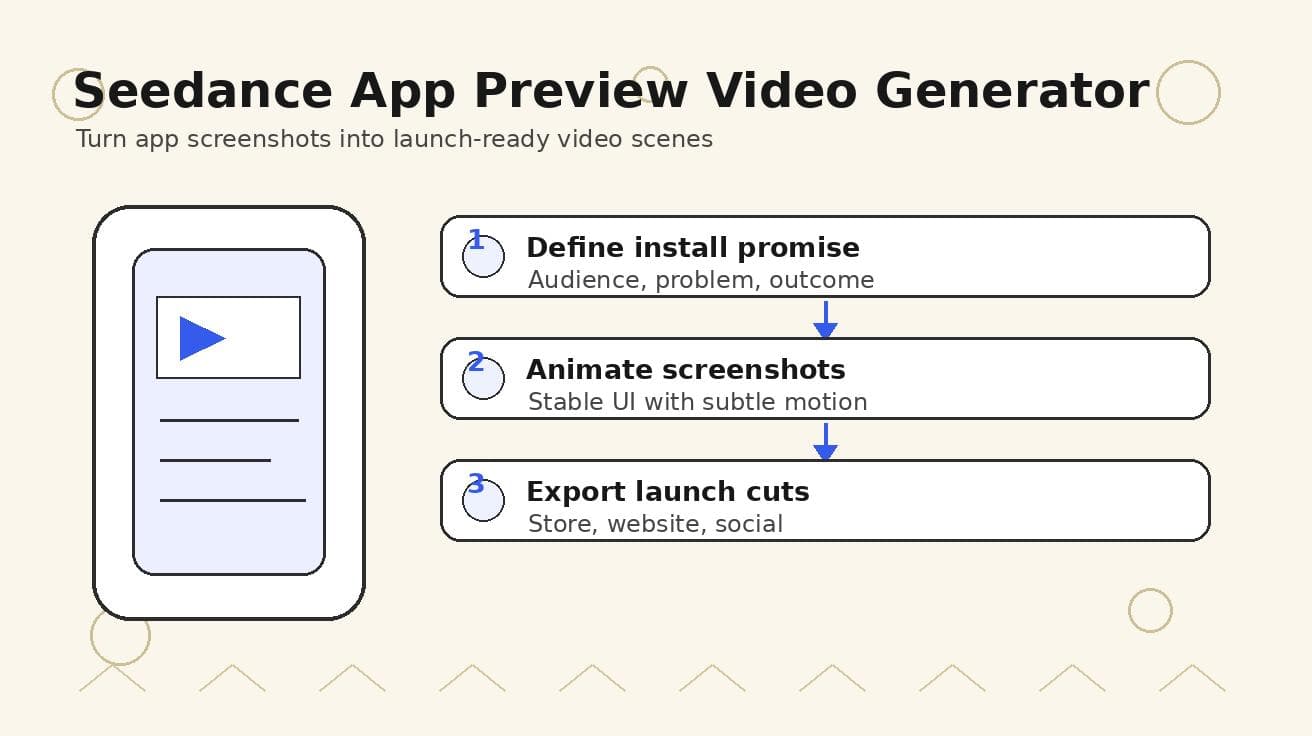
Seedance App Preview Video Generator 2026: Create App Store and Product Launch Clips
Use Seedance to turn app screenshots, feature copy, and launch goals into App Store previews, Google Play promo videos, and product launch clips.
Read article
8 Master Seedance 2.0 Camera Movement Prompts
Unlock cinematic shots with our guide to 8 essential Seedance 2.0 camera movement prompts. Master dolly, crane, orbit, and more with actionable examples.
Read article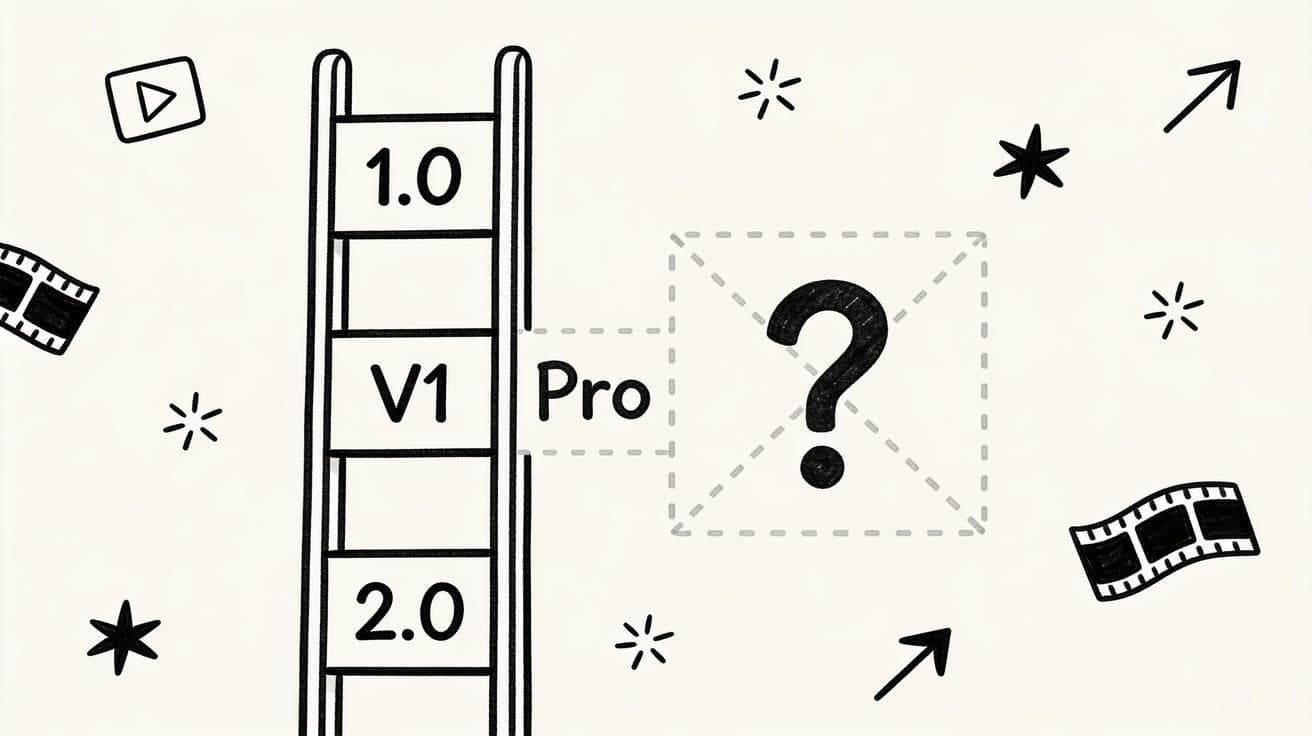
Seedance 1.5: Why It's Not Available Yet and Which Version to Use Instead
There is no official Seedance 1.5 release. Here is the real Seedance version map (1.0, V1 Pro, 2.0), why people search for 1.5, and which version to use right now.
Read article